PDF "Draft" Watermark Remover
Strip 'DRAFT' diagonals from approved documents. Remove 'DRAFT' diagonal watermarks from approved PDFs. Document-native processing keeps text selectable and layout intact.
- Diagonal 'DRAFT'
- 'WORKING COPY'
- 'NOT FINAL'
- No signup
- Files deleted in 1 hour
- 88K monthly searches
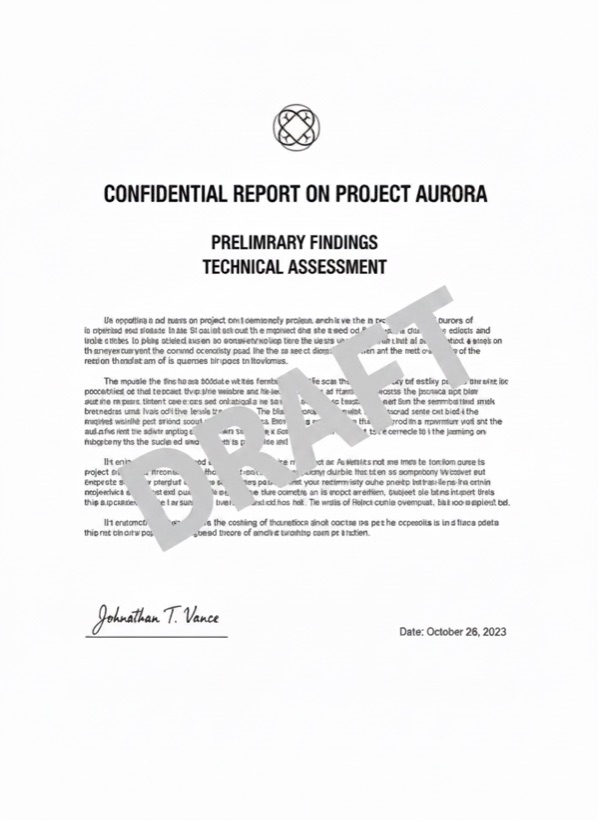
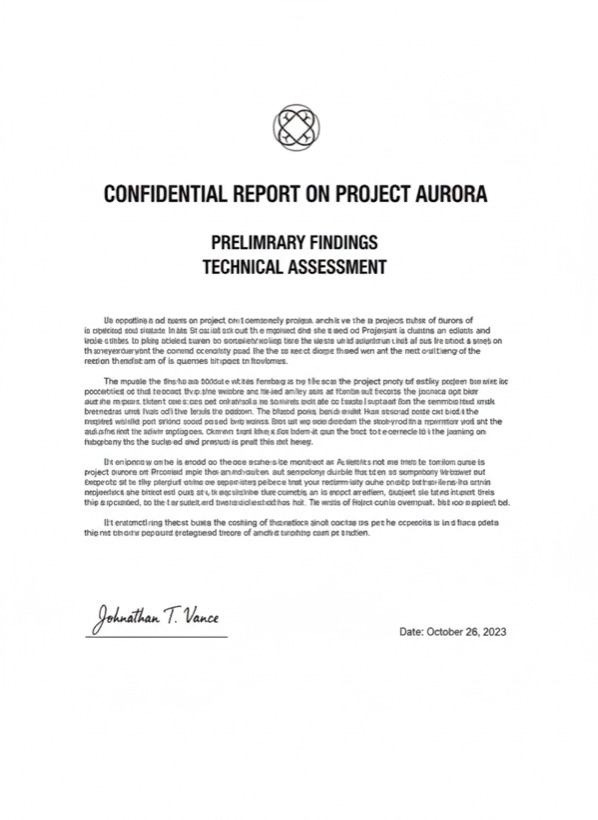
Three steps. Usually under a minute.
Any number of pages, most contracts are under 30 pages.
The DRAFT stamp typically sits on a transparency layer; we remove the layer object cleanly.
Identical layout, selectable text, no DRAFT mark.
People who reach for this tool.
Promote signed agreements from draft to final after execution.
Move internal policy docs from draft to publish state.
Clean templates for client distribution after final review.
Convert preliminary documents to final copies under your authority.
Stamps mark documents as draft, internal, or sample for a reason. Only remove them from documents you own and have authority to modify.
Will my contract still validate as a signed PDF?
Visible signatures are preserved. If your PDF carries a cryptographic signature, the cleanup invalidates that signature, you'll need to re-sign.
Does it handle multi-page DRAFT marks?
Yes. The same layer object usually carries the stamp across every page; we remove it once.
Is text still searchable?
Yes. Only the watermark layer is removed; the document text remains selectable and indexable.
Maximum PDF size?
Free: 25 MB / 50 pages. Pro: 500 MB / unlimited pages.
What if 'DRAFT' is rasterized into the page image?
We fall back to per-page inpainting and re-OCR to keep the document searchable.
How PDF "Draft" Watermark Remover watermark removal works.
Legal and corporate document systems typically apply a 'DRAFT' watermark as a transparency layer over every page of an in-progress document. Once the document is signed, approved, or finalized, the watermark is no longer accurate but removing it through Adobe Acrobat is manual and error-prone. Our remover detects the stamp object, removes it cleanly across every page, and preserves the underlying text as selectable text. For scanned drafts where the stamp is rasterized into the page image, we fall back to per-page content-aware inpainting plus OCR so the final document remains searchable.
Try PDF "Draft" Watermark Remover on your own content.
3 free a day. No card required.
Open the watermark remover →