PDF "Confidential" Stamp Remover
Remove confidential, draft, and sample stamps from your own PDFs. Remove 'CONFIDENTIAL', 'DRAFT', 'SAMPLE', or custom diagonal stamps from PDFs. Document-native, preserves text, fonts, and layout.
- Diagonal 'CONFIDENTIAL'
- 'DRAFT' overlay
- Custom corporate stamps
- No signup
- Files deleted in 1 hour
- 180K monthly searches
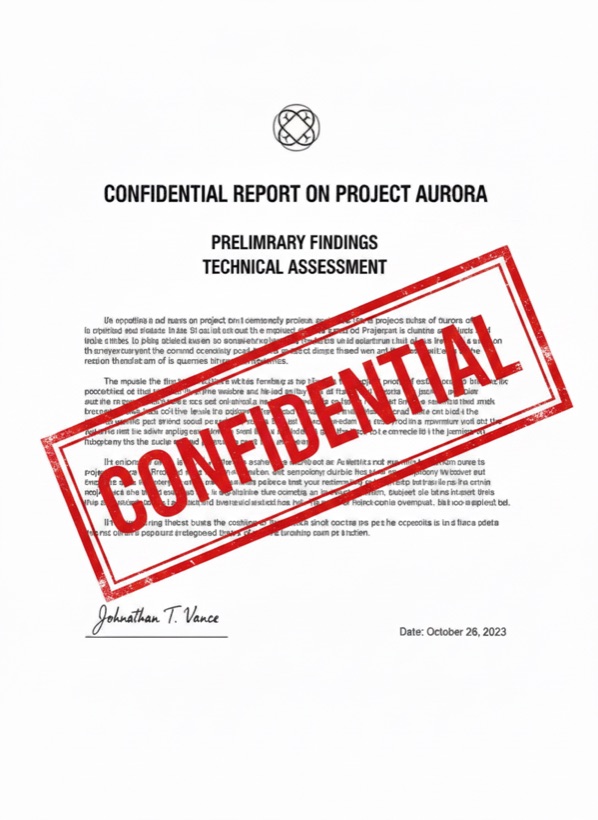
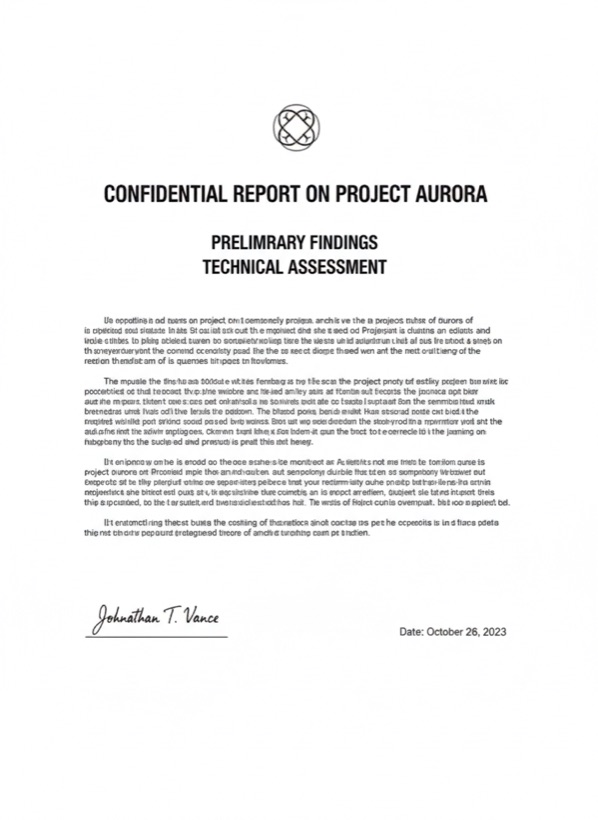
Three steps. Usually under a minute.
Any number of pages. We process the whole document in one pass.
Most stamps live on a separate PDF object, we strip the object cleanly. For rasterized stamps we inpaint per page.
Same fonts, same layout, no stamp. Text remains selectable and searchable.
People who reach for this tool.
Strip 'DRAFT' from a contract once it's signed.
Remove 'INTERNAL' from materials moving to public release.
Convert sample-stamped templates to clean versions after purchase.
Clean stamps from inherited documents you now control.
Stamps mark documents as draft, internal, or sample for a reason. Only remove them from documents you own and have authority to modify.
Will the text still be selectable?
Yes. We preserve the original PDF structure, text remains text, not an image. Searchable and copy-pastable.
What if the stamp is rasterized into the page?
We fall back to per-page inpainting. The document is rasterized for those pages only and OCR'd to recover selectable text.
Are page numbers preserved?
Yes, page numbers, headers, footers, bookmarks, and form fields all survive.
Maximum PDF size?
Free: 25 MB / 50 pages. Pro: 500 MB / unlimited pages. Studio: unlimited.
Does it work on signed PDFs?
Visible signatures are kept; only the watermark layer above them is removed. Cryptographic signatures may need re-signing after the cleanup.
Other watermark removers in this family.
How PDF "Confidential" Stamp Remover watermark removal works.
PDF stamps live on a separate transparency layer in most documents, added by Adobe Acrobat, DocuSign, or corporate document systems. Our PDF remover detects the stamp layer and strips it cleanly, preserving the underlying text as text rather than rasterizing the page. For older or scanned PDFs where the stamp is baked into the page imagery, we fall back to per-page content-aware inpainting and re-OCR the result so the document remains searchable. Common use cases include releasing approved drafts ('DRAFT' → final), promoting internal documents to public release, and cleaning sample-stamped templates after purchase.
Try PDF "Confidential" Stamp Remover on your own content.
3 free a day. No card required.
Open the watermark remover →