Free AI Watermark Remover
Online,No Signup.
Drop a file. Our in-house model erases the marks and rebuilds what was underneath, clean, seamless, yours. Free every day, one-time credit packs when you need more.
WatermarkRemover.now is a free AI watermark remover that erases visible logos, text, timestamps, and stamps from JPG, PNG, WebP, MP4, MOV, AVI, and PDF files. No signup, no watermark on the output, and uploaded files are deleted within 24 hours. Works in any modern browser on desktop and mobile.
Helping creators & businesses everywhere work easier
Free online watermark remover for images, videos, and PDFs
Use one AI watermark remover when the search is broad, then jump to the exact tool for photos, videos, PDFs, or AI cleanup. Each page keeps the workflow focused on the file type and watermark you need removed.
Free watermark remover
Start with daily free credits, no signup, and browser-based upload for quick watermark removal tests.
AI watermark remover
Let AI detect visible logos, text, timestamps, and platform marks, then rebuild the area underneath.
Remove watermark from image
Clean JPG, PNG, WebP, and HEIC files with support for logo, text, date stamp, and stock-photo marks.
Remove watermark from video
Upload MP4, MOV, or WebM clips and clean static logos, moving overlays, and short-form platform marks.
One tool. Three formats.
Zero ghosts left behind.


Clean result, every time.

Three steps. About eight seconds.
Why teams choose this free watermark remover
for everyday cleanup
Best on visible watermarks on images, videos, and PDFs
This free online watermark remover works best when the mark is visible, separate from the main subject, and not covering faces or dense detail.
Try now
AI cleanup for logos, text, timestamps, and stamps
Use Auto for straightforward watermark removal, Text for captions and timestamps, Logo for graphic marks, and Manual when the AI result needs tighter control.
Try now
Honest about quality limits
Simple backgrounds clean up better than faces, dense textures, or large centered watermarks. Hard cases can leave visible artifacts and may need manual cleanup.
Try now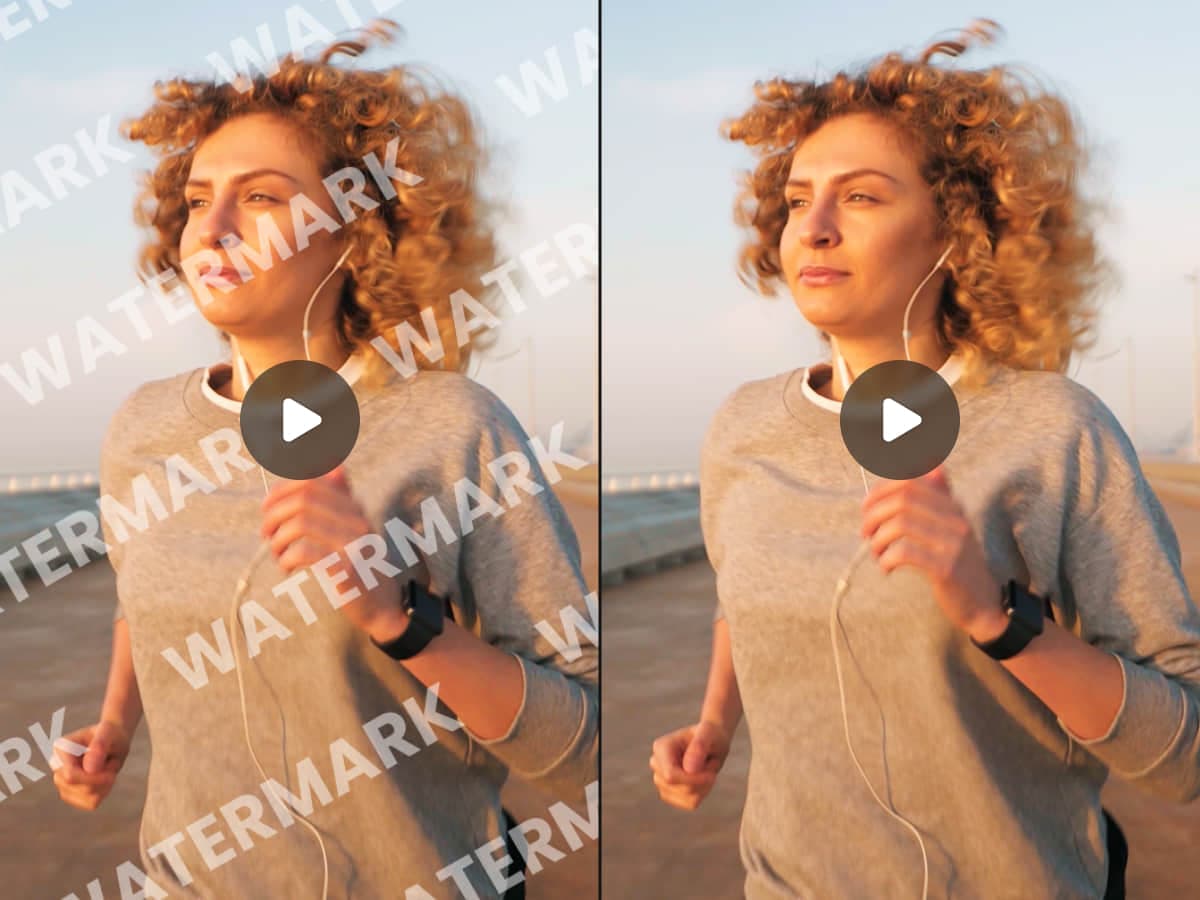
Refine the tough areas yourself
When AI gets you close but not perfect, paint over leftover areas with the manual brush and rerun cleanup on the spots that still need work.
Try now
Free Online AI Watermark Remover for Practical Cleanup
Remove visible watermarks from images, videos, and PDFs with fast AI cleanup, honest limits, and clear file privacy.
AI Watermark Remover
AI detection targets visible logos, text, timestamps, stock marks, platform overlays, and PDF stamps before rebuilding the marked area.
Realistic Quality Expectations
Simple backgrounds clean up better than faces, dense textures, or large centered watermarks.
Manual Refinement
Switch presets or use the brush when you need more control over hard edges and leftover artifacts.
Controlled File Lifecycle
Uploads are transferred securely, access is limited, and temporary files are deleted on a defined schedule.
Fast for Everyday Jobs
Images are usually the quickest. Videos and PDFs take longer based on file size, duration, and page count.
Free Watermark Remover
Use daily free credits to test image, video, and PDF watermark removal before buying one-time credit packs for larger runs.
Free for quick jobs, packs for the rest.
Start with 3 free credits a day. Buy one-time packs only when you need more, no subscription.
Every kind of file owner.



Got a specific watermark? We have a page for that.
Remove the rotating @username and tiktok.com logo from any TikTok URL.
Strip Reels watermarks from saved or downloaded clips.
For licensed Getty content only, verify your license number.
For licensed Shutterstock customers, license verification required.
For licensed Adobe Stock customers, license verification required.
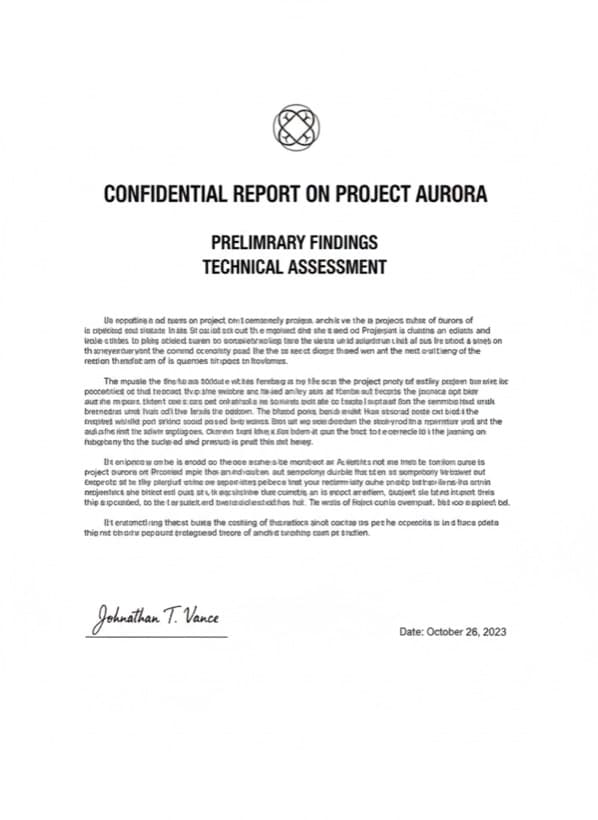
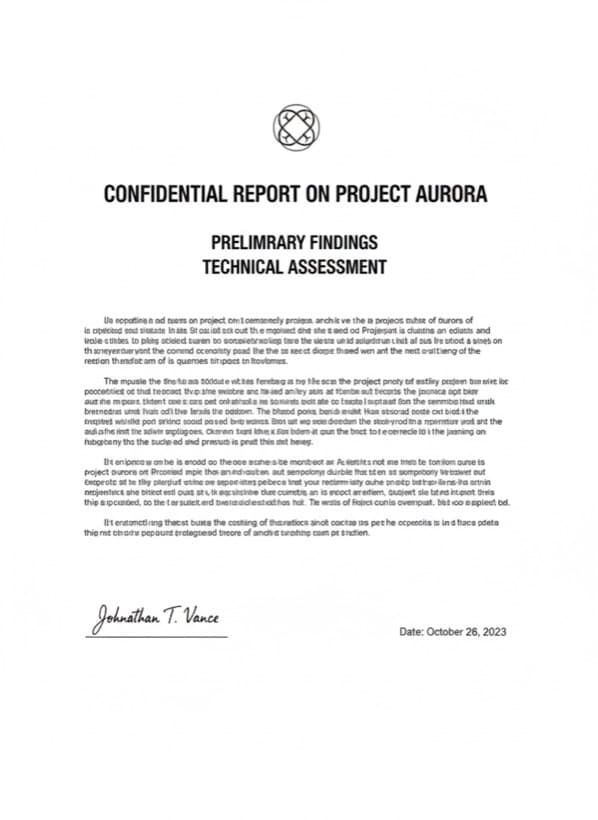
Remove draft / confidential / sample stamps from your own PDFs.
Made for people who care about pixels.
Removes the watermark and rebuilds what was underneath, no ghost outline left behind.
Processes video up to 1080p, no visible watermark artifact in the result.
Strips stamps and marks while keeping the text selectable.
Privacy isn't a feature.
It's the default.
Encrypted in transit. Uploads deleted within 24 hours. Your files, your rights.
Pay for what you actually use.
Start with 3 free daily credits, then use one-time packs for larger cleanup runs.
Best for occasional image, video, and PDF watermark cleanup.
Buy CreditsBest value for regular watermark removal work.
Buy CreditsBest for large batches and repeat watermark-removal workflows.
Buy CreditsCommon questions
before you upgrade.
Your first three
are on us.
No signup, no card. Drop a file. If you love it, a one-time $1.99 pack adds 1000 credits that never expire.