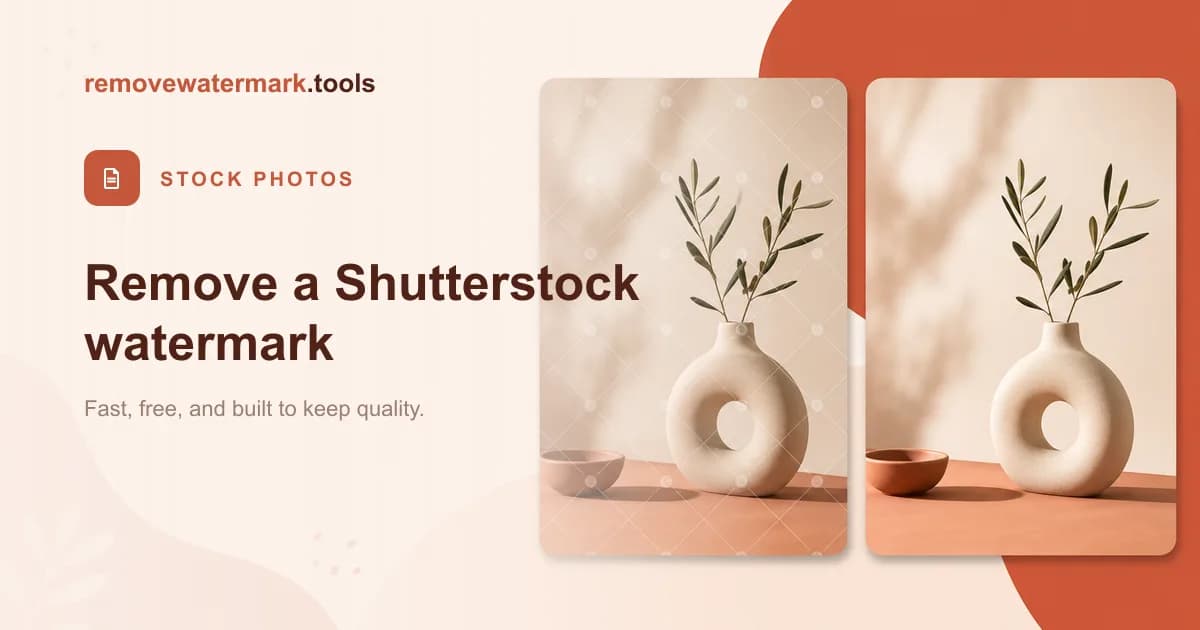
Quick answer: If you licensed a Shutterstock image, there is nothing to remove: the watermark sits only on the free preview, and your licensed download arrives clean at full resolution. Re-download it from your account history. Stripping the mark off an unlicensed preview is not permitted. Only edit files you own or are licensed to use.
People search for how to remove a Shutterstock watermark expecting an editing trick. The honest answer is simpler and saves you the work: in the normal case, the clean file is already waiting in your account. Here is how the watermark actually works and where the real line sits.
Why does the Shutterstock watermark exist?
The watermarked image you see while browsing is a preview, not the product. Shutterstock overlays its logo across the preview so you can judge composition, color, and fit before paying.
That overlay is deliberate. It stops the preview from being used as a finished asset without a license. It is doing its job by being hard to ignore.
When you complete a license, Shutterstock hands you a clean, full-resolution file with no logo anywhere on it. That clean file is the thing you paid for.
The preview and the comp are not the licensed file
There are three different things people confuse, and the difference decides everything.
- Preview: the watermarked thumbnail you see in search. For evaluation only.
- Comp image: a low-resolution sample you can download to test in a layout. Still licensed for testing only, not for publishing.
- Licensed download: the clean, full-resolution file you receive after buying a standard or enhanced license.
If your saved image still shows a watermark, you almost certainly kept the preview or the comp rather than the licensed download.
Pro tip: Before reaching for any tool, log in to Shutterstock and open your downloads page. The clean version is usually one click away, already at full resolution, with nothing to reconstruct.
How to get a clean Shutterstock image the right way
If you are working with an image you are entitled to use, the path is short.
1. Confirm you have a license. Open your Shutterstock account and check whether the specific image is covered by an active license or subscription. A comp or preview does not count.
2. Open your downloads. Go to your downloads or license history. Every licensed image stays listed there.
3. Re-download the licensed file. Download the full-resolution version from your history. It comes without a watermark, so there is nothing to remove.
4. Edit the clean file. Crop, resize, or retouch the clean download as your license allows. You never have to fight a logo, because the licensed file never carried one.
If you license an image and then want to crop, retouch, or clean up the clean download itself, you can process that file with our Shutterstock watermark remover. That is for the file you are licensed to use, not for an unlicensed preview.
When removing the mark crosses a line
The problem case is narrow and specific: taking a watermarked preview or comp you have not licensed and stripping the logo to publish the image anyway.
That is using the product without buying it. The watermark is part of Shutterstock's copyright protection, and removing it to avoid the license can infringe copyright. Editing the logo out does not grant you any rights the license would have.
So the deciding factor is your relationship to the file, not whether the edit is technically possible.
| Your situation | The right move |
|---|---|
| Licensed the image | Re-download the clean licensed file from your history. Nothing to remove. |
| Only have the watermarked preview | License the image to get the clean file, or pick another. |
| Downloaded a comp for layout testing | Use it only to test the layout; license it before you publish. |
| Found the image watermarked elsewhere | Trace it back to Shutterstock and license it; do not strip the mark. |
What if I never licensed it?
Then the answer is to license it, not to edit it. Buy the standard or enhanced license that matches how you plan to use the image, and Shutterstock delivers the clean file directly.
If the budget is not there, choose a different image. Plenty of stock and free-to-use libraries fit smaller projects, and using a properly sourced image keeps you clear of any copyright trouble.
For the wider picture on what a purchase actually grants you, see can I remove a watermark from an image I purchased.
Stay within the rules
Start from your Shutterstock account, not a removal tool. If you licensed the image, the clean file is already yours and there is nothing to strip. If you did not, license it or pick another image.
Only remove or edit watermarks on files you own or are clearly allowed to use. That single rule keeps you on the right side of both the license and copyright law.
Final recommendation
For a Shutterstock image, the clean download is the whole point of the license, so your first step is always your download history rather than an editor. When you are working with a file you are licensed to process and want to crop or retouch it, the Shutterstock watermark remover handles that clean file in a single pass.
This is general information, not legal advice. Shutterstock's terms can change, so read the license attached to your specific download, and consult a qualified lawyer for anything with real stakes.