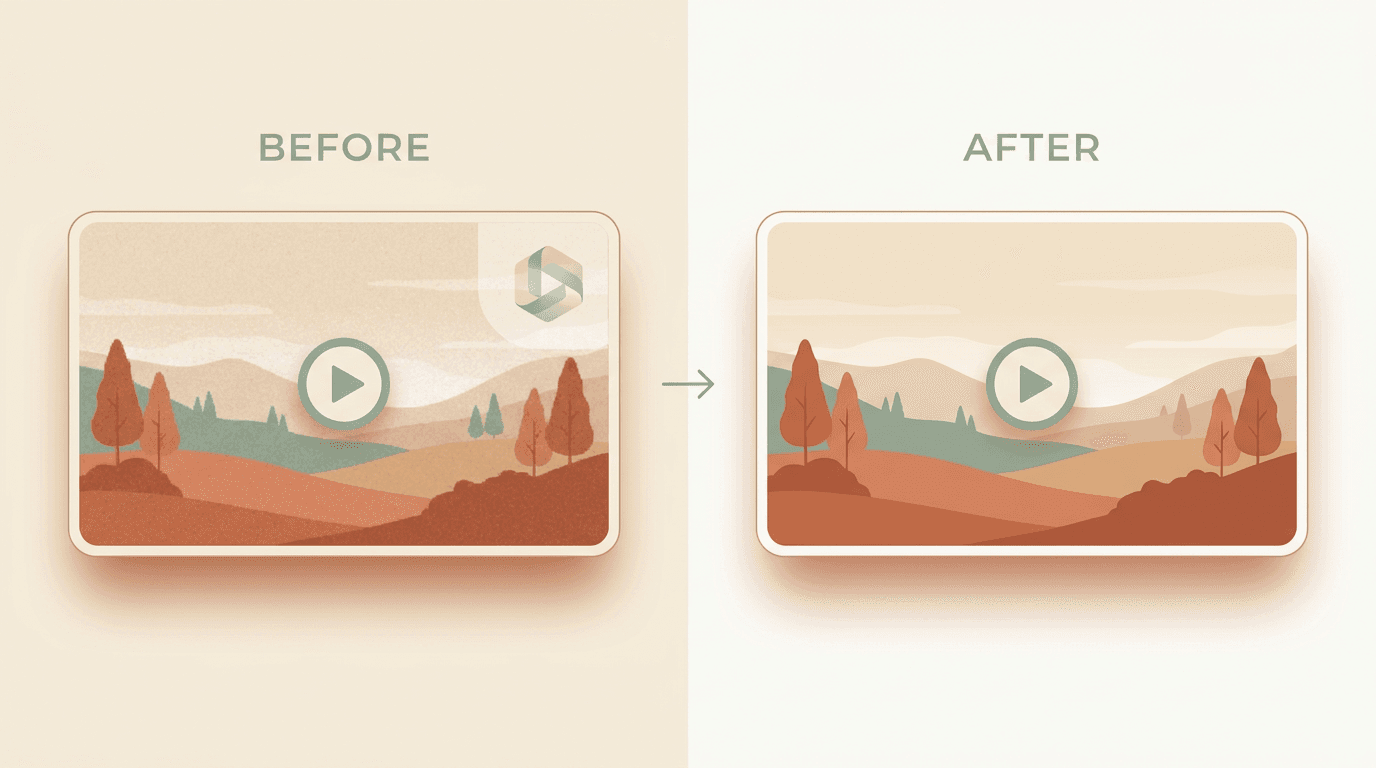
Quick answer: Drop your MP4, MOV, or WebM into our video watermark remover, or paste a public video URL. The AI detects static and moving watermarks, tracks them frame by frame, and returns a clean video at the source resolution with bit-identical audio. Free for three videos a day, no signup. Only edit videos you own or are allowed to change.
Videos are harder than images because the watermark may move, fade, or appear only on certain frames. A simple crop or static mask leaves a moving smear. AI inpainting with per-frame tracking is the reliable answer, and this guide walks you through it.
What you can clean
- Channel logos in the corner of YouTube, Twitch clips, and Vimeo exports.
- Stock-site marks on iStock, Shutterstock, and Getty video previews you have licensed.
- Editor signatures like the bouncing CapCut logo or the Filmora wordmark.
- Platform overlays like the rotating TikTok @username or Snapchat Spotlight watermark.
For short-form platforms (TikTok, Reels, Shorts), our platform-specific tools are tuned for the exact watermark shape and placement and usually give cleaner results faster. If you came here for TikTok specifically, start with how to remove a TikTok watermark from a video.
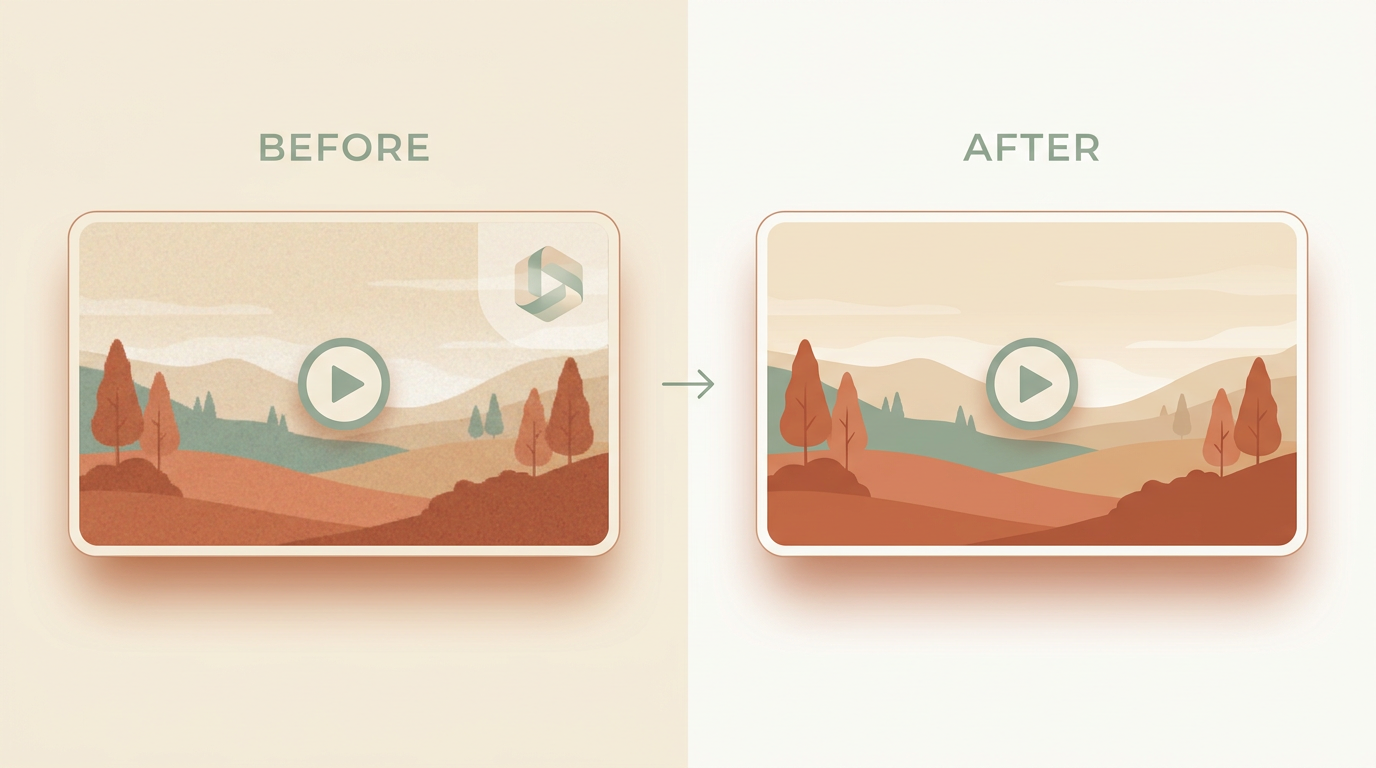
Why are video watermarks harder than image ones?
With a photo, the tool has one frame to repair. With a video, it has hundreds, and the watermark can drift, pulse, or sit over a moving subject.
A static corner logo is the easy case. The pixels behind it barely change, so the AI can borrow detail from frames where the same area is briefly clean. Moving and animated marks are harder, because the area to rebuild changes every frame.
The good news: motion can also help. When the watermark moves across a steady background, nearby frames often reveal exactly what belongs underneath.
Pro tip: Always submit the highest-resolution source you have. Re-uploaded or screen-recorded copies lose the sharp watermark edges that detection relies on, which leads to a softer patch.
Paste URL vs. upload file
Use paste URL when:
- Your source is a public TikTok, Reel, or Short. The tool fetches the highest-quality copy automatically.
- You only have the link, not the file (for example, someone shared it in a Slack thread).
Use upload file when:
- The video lives only on your machine, such as an export from your editor or a screen recording.
- It is longer than the platform limits permit.
Both flows feed the same AI pipeline.
Walkthrough
- Open the tool. Go to the video watermark remover. The first three videos each day are free, with no signup.
- Pick paste URL or upload file. Paste a public link, or drop an MP4, MOV, or WebM up to 500 MB.
- Confirm the watermark area. Auto-detection handles most static logos. For moving marks, let the AI track per frame; for odd placements, brush over the area by hand.
- Run the cleanup. Audio stays bit-identical. The tool works one frame at a time, so processing takes roughly as long as the clip on the free tier.
- Download the result. Output matches your input codec and resolution, with no re-encoding on the audio track.
Static vs. moving watermarks: what to expect
Knowing which type you have sets realistic expectations before you start.
| Static watermark | Moving / animated watermark | |
|---|---|---|
| How it behaves | Sits in one fixed spot for the whole clip. | Drifts, bounces, rotates, or fades in and out. |
| Difficulty | Low. The area behind it barely changes. | Higher. The area to rebuild moves every frame. |
| Method that works | Auto-detect plus AI inpainting in one pass. | Per-frame tracking, with the manual brush for fades. |
| Expected result | Usually clean, often near-invisible. | Good on steady backgrounds; softer over faces or detail. |
When the watermark moves
The model runs detection on every frame, and the bounding box can follow the watermark. For the best output:
- Submit the highest-resolution source you have. Detection relies on sharp watermark edges.
- For marks that fade in and out, the manual brush gives the cleanest result. Auto-detection sometimes flickers on partial frames.
- For marks parked over a face or the main subject, use a platform-specific tool when one exists. The generic flow can struggle here.
Pro tip: If a fading watermark flickers, brush a slightly larger area than the mark itself. A small margin gives the AI more clean reference pixels to rebuild from.
Will removing a watermark reduce video quality?
The video is re-rendered, so the patched region is a reconstruction, not the original footage. Over a calm background you will rarely notice it. Over fine detail or a moving subject, a soft patch can show.
The rest of the frame keeps its native resolution, and the audio is preserved bit-identical. You should not expect flawless recovery on every clip, especially where the watermark covered intricate detail that no other frame reveals.
Performance and limits
- Free tier: 500 MB, 10 minutes, MP4 / MOV / WebM up to 4K.
- Audio: preserved bit-identical. We never re-encode the audio track.
- Output: matches input codec by default; opt into MP4 if you need a portable container.
- Privacy: uploaded videos auto-delete after one hour and are never used for training.
Is it legal to remove a watermark from a video?
Only remove a watermark from a video you own or are allowed to edit. Your own exports, licensed stock previews, and footage a client cleared you to use are all fair game.
Stripping a watermark from someone else's video to reuse or reupload it as your own can breach copyright and platform rules. The tool is for tidying up your own work, not for taking credit for others'.
Final recommendation
For a static corner logo, the default flow gives a clean pass in one go. For moving or fading marks, lead with the highest-resolution source and reach for the manual brush when detection flickers.
When your clip is ready, drop it into the video watermark remover.