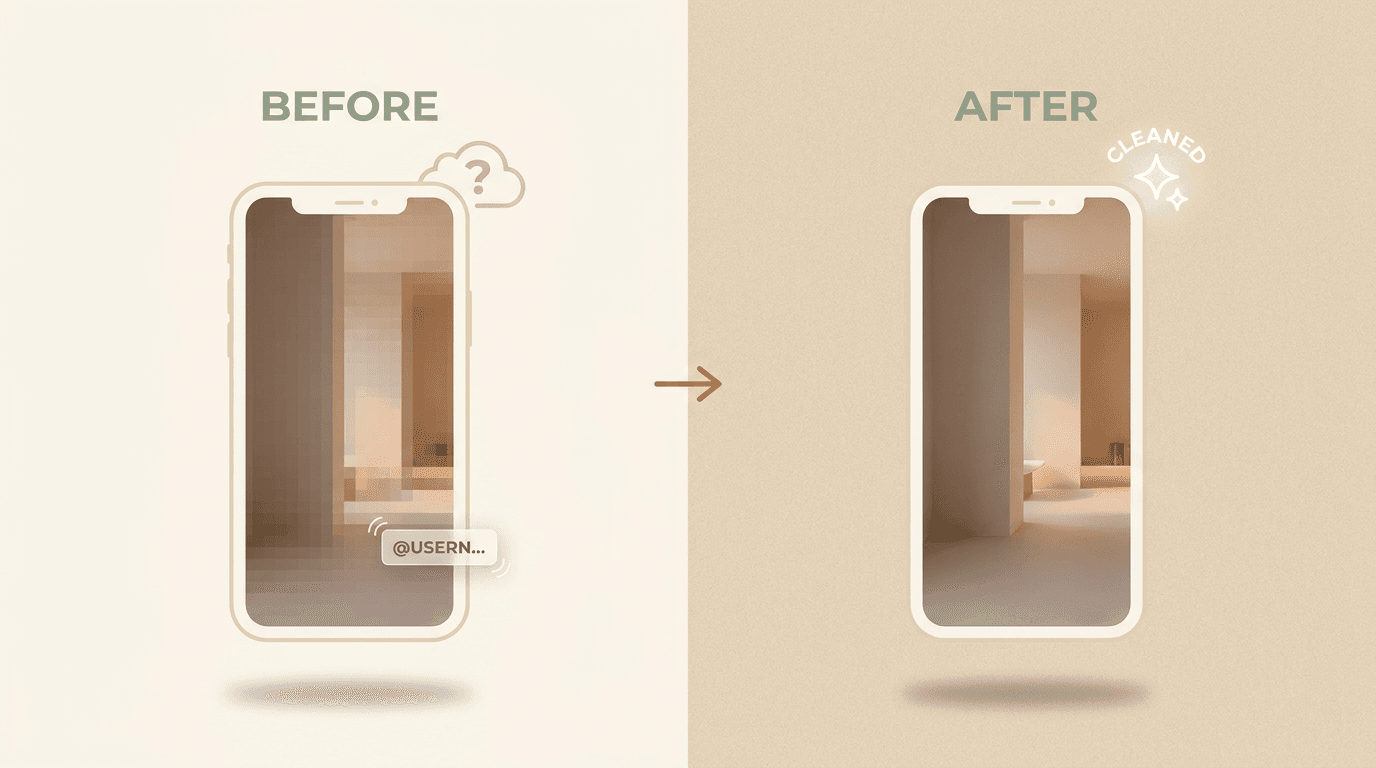
Quick answer: Paste any TikTok share link into our TikTok watermark remover. The tool tracks both the rotating @username overlay and the static tiktok.com logo across every frame and returns a clean 1080p MP4 with the original audio intact. Three videos free per day, no signup. Only do this on videos you own or are allowed to edit.
The TikTok watermark is unusual because it moves. The @username overlay rotates every 2–3 seconds between the upper-right and lower-left corners, and the tiktok.com logo sits in the lower-left throughout. A simple crop won't remove it, and a static blur leaves a moving smudge.
This guide shows the paste-a-URL flow, explains how the AI follows a moving mark, and is honest about where it struggles.
What you can use this for
- Repost your own content to YouTube Shorts, Instagram Reels, Snapchat Spotlight, or LinkedIn.
- Archive your edits without third-party branding overlaid on top.
- Share with clients for review without the platform mark visible.
Only remove the watermark from videos you made or are allowed to edit. Watermark removal does not transfer copyright, music licensing, or attribution rights.
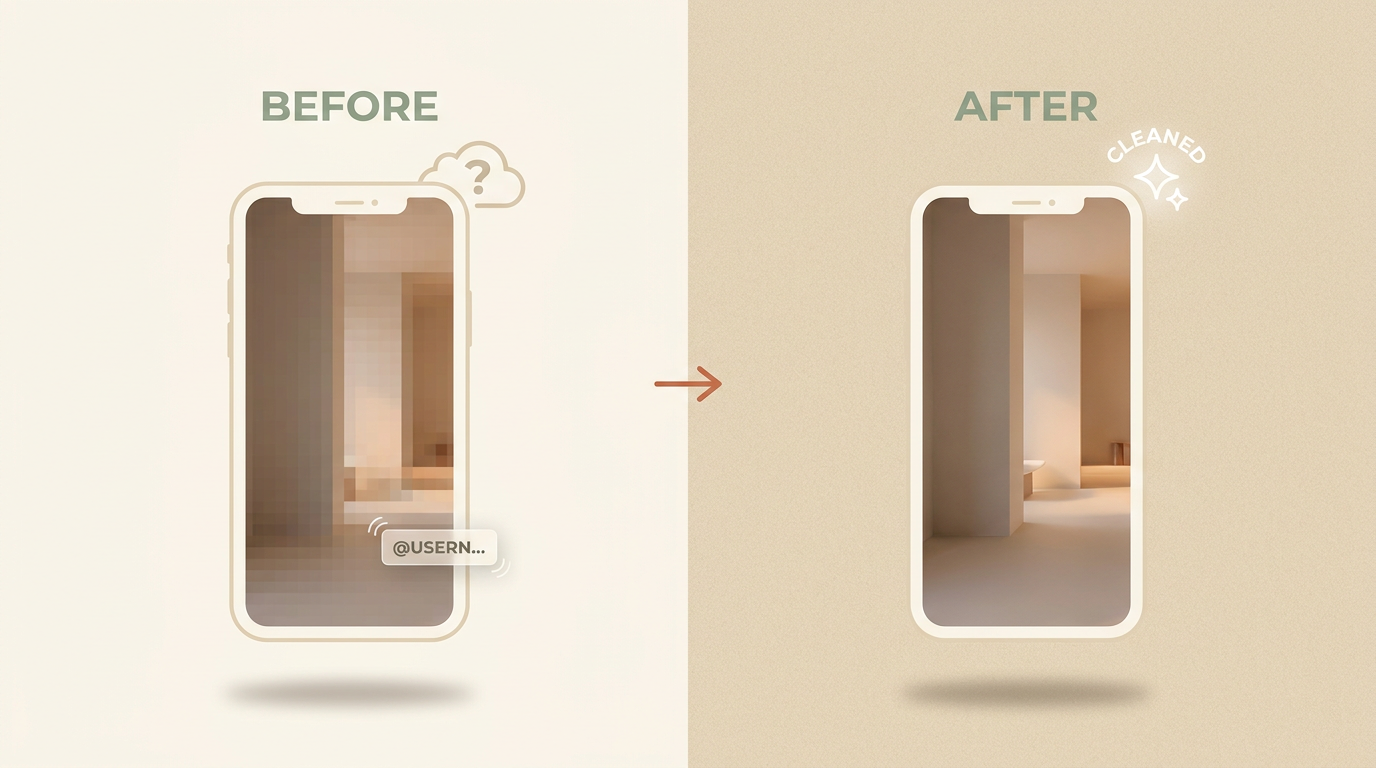
Remove the watermark from a TikTok URL
- Copy the share link. In TikTok, tap Share and copy the link.
- Open the TikTok watermark remover. No signup; three videos a day are free.
- Paste the URL. The tool fetches the source MP4 and detects both marks.
- Run the cleanup. AI tracks the moving watermark frame by frame.
- Download the clean MP4. Audio, frame rate, and resolution stay untouched.
Why is the TikTok watermark hard to remove?
Most watermark tools work on a single fixed rectangle. The TikTok mark won't sit still. The @username overlay drifts between corners on a timer, so a tool that cleans one spot will miss it the moment it jumps.
Our model runs detection on every frame, so the cleanup region follows the watermark wherever it moves. That per-frame tracking is the difference between a clean result and a moving smudge.
For best results:
- Paste the original 1080p TikTok URL. Re-uploaded MP4s with extra compression are harder to detect cleanly.
- Avoid screenshots or screen recordings; the tool prefers the source over a re-encoded copy.
Pro tip: If the cleanup leaves a faint shimmer where the username sat, run a second pass. The model uses the first cleaned output as a stronger reference and tends to finish the job.
What gets removed, and what stays
The cleanup only touches the small area under each watermark. The rest of your video is passed through as-is.
| Element | What happens |
|---|---|
| Rotating @username overlay | Tracked frame by frame and removed |
| Static tiktok.com logo | Detected and removed |
| Audio track | Preserved, untouched |
| Frame rate | Preserved |
| Resolution | Preserved (up to 1080p free, 4K on Pro) |
Crop, blur, or AI tracking?
There are three common ways people try to deal with a TikTok mark. Only one keeps the full frame and follows the movement.
| Method | Keeps full frame | Follows the moving mark |
|---|---|---|
| Crop the corners | No, you lose edges | No |
| Static blur patch | Yes | No, leaves a moving smudge |
| AI per-frame tracking | Yes | Yes |
Watch the walkthrough
When the cleanup misses
Two situations make the job harder:
- Aggressive re-compression. A TikTok that has been downloaded, re-uploaded, and downloaded again loses sharp edges, which makes detection harder.
- Watermark over a face. When the rotating overlay parks on someone's face for a second, the rebuild has less context to work from. Use the manual brush on those frames.
Both cases benefit from running the cleanup twice or starting from the original 1080p source. You should not expect a perfect rebuild every time (yet), but a second pass usually gets close.
Will removing the watermark lower the video quality?
No. The cleanup rebuilds only the small region under each mark. Resolution, frame rate, and audio match your source. The cleanest results come from the original file rather than a re-uploaded copy.
If you want the same approach for non-TikTok footage, see our guide on removing a watermark from any video.
Is it legal to remove the TikTok watermark?
It is fine on videos you created or have permission to edit. Removing the watermark does not give you copyright, a music license, or the right to claim someone else's work. Do not strip the mark from a video that isn't yours without the owner's consent.
Final recommendation
Expect a clean MP4 at the same resolution and frame rate as the source, with the original audio intact. The first three videos a day are free without a signup; Pro removes the daily cap and adds 4K support.
If you have a TikTok URL ready, paste it into the TikTok watermark remover.