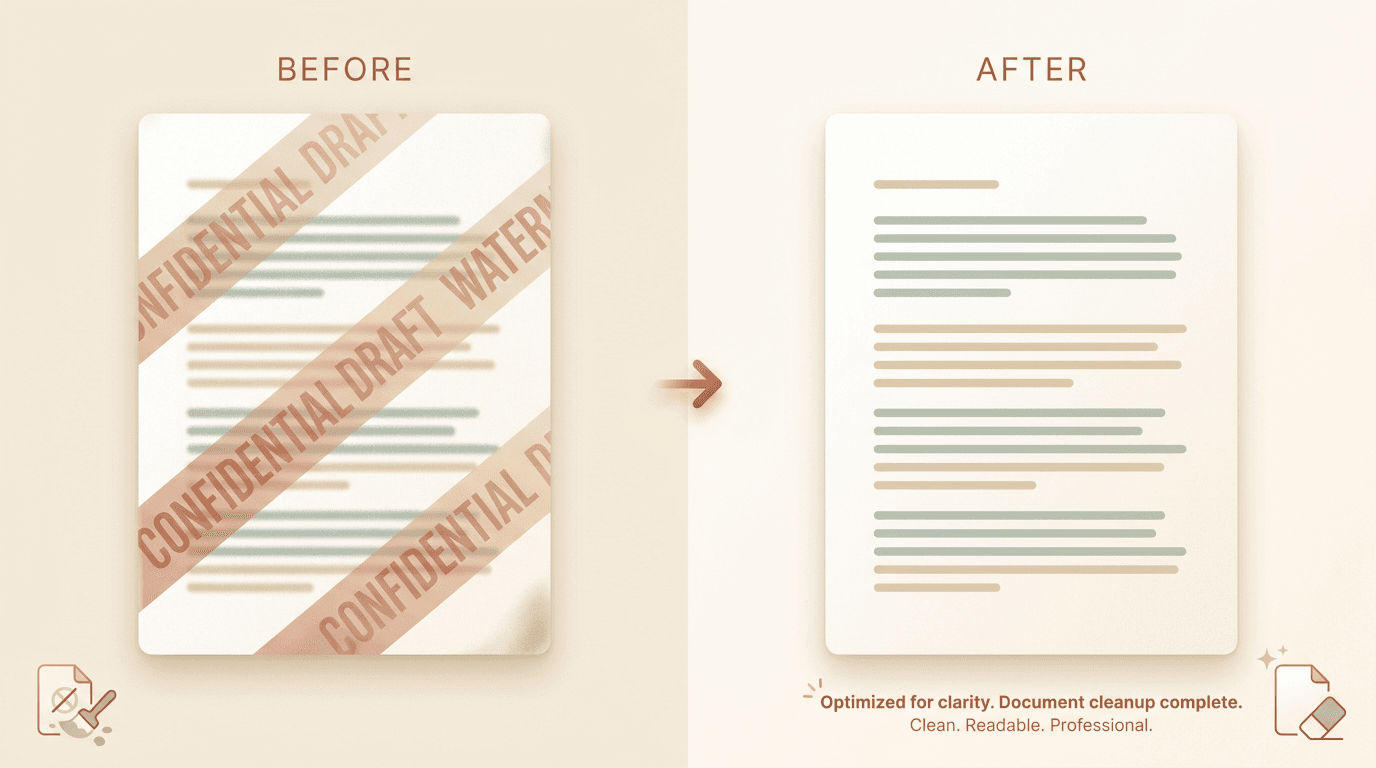
Quick answer: Drop the PDF into our PDF watermark remover. It detects repeated stamps (CONFIDENTIAL, DRAFT, SAMPLE) and page-level overlays, removes them while keeping the searchable text layer intact, and returns a clean native PDF. Free for three uploads a day, no signup, files auto-delete in an hour. Only remove marks from PDFs you own or may edit.
PDF watermarks come in two flavours. One is a stamped overlay (CONFIDENTIAL, DRAFT, SAMPLE) drawn on top of the page. The other is a true watermark layer added by the PDF generator itself.
Both are removable without touching the underlying content. The catch is the source file: a text-layer PDF cleans up losslessly, while a flat scan has to be repaired as an image.
When you need this
- Internal review documents marked DRAFT that you have now finalized.
- Vendor sample PDFs where a SAMPLE stamp masks the deliverable you bought.
- Old contracts with a CONFIDENTIAL banner that no longer applies.
- Course materials and ebooks you hold a clean licence to redistribute.
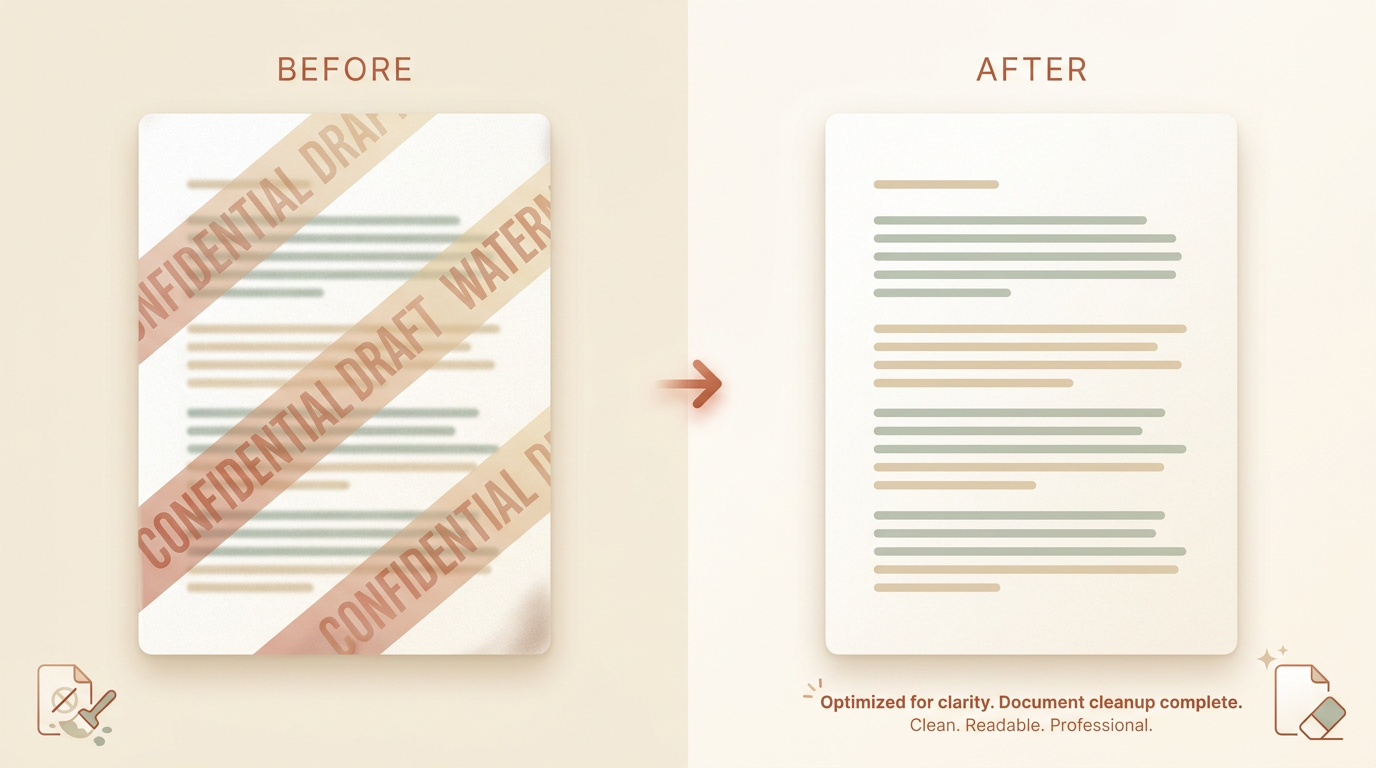
What kinds of PDF watermarks can be removed?
Most marks fall into the two flavours above, and both come off cleanly on a native PDF.
A stamped overlay is a separate drawing operation layered over the page. A true watermark layer is added by the PDF generator as its own content stream. In each case the words underneath are still there; the watermark just sits in front of them.
The harder case is a watermark baked into an image, for example, a logo burned into a scanned page or an embedded picture. That one needs image-level repair, which we cover below.
Will removing a watermark break the searchable text?
On a native (text-layer) PDF, no. The cleanup removes the stamp or watermark drawing from the page stream and leaves the text and embedded fonts in place. Search, copy, and accessibility keep working.
On a scanned (image-only) PDF, the page is a picture, so the tool falls back to image inpainting. The output is still a PDF, but each page is rebuilt as an image. To make it searchable again, run an OCR pass after cleanup. Most PDF readers offer this in one click.
The table below sums up the difference.
| Text-layer (native) PDF | Scanned (flat image) PDF | |
|---|---|---|
| How the watermark sits | A separate drawing over the text | Baked into the page image |
| Text stays searchable? | Yes, untouched | Not until you re-run OCR |
| Cleanup method | Removes the stamp drawing | Paints over with image inpainting |
| Expected result | Clean, searchable, same fonts | Clean image PDF; OCR for search |
Pro tip: Not sure which kind you have? Try to select a line of text with your cursor. If the text highlights, it is a native PDF and the cleanup is lossless. If nothing highlights, it is a scan, so plan an OCR pass afterwards.
How to remove the watermark, step by step
The free, browser-based route handles most documents in a single pass.
- Open the PDF watermark remover. Free for the first three uploads each day, no signup.
- Drop in the PDF. Files up to 50 MB and 500 pages process directly. Native and scanned PDFs are both supported.
- Pick a cleanup mode. Auto detects repeated stamps and overlays across the document. For a single one-off mark, use the manual brush on the page where it appears.
- Run the cleanup. The tool works page by page and keeps the text layer in place where one exists.
- Download the clean PDF. You get a native PDF at the same page count and dimensions as the input.
Common problems and fixes
- The watermark still shows after cleanup. It may be part of an embedded image rather than a layer. Use the manual brush on that page, or convert the page to an image and run image cleanup.
- The text is no longer searchable. Your input was a scan. Run OCR on the cleaned PDF to restore search and copy.
- The page count or layout shifted. Skip any
compressstep on output if you need pixel-identical layout. It can re-flow text in rare cases.
Pro tip: Start from the highest-quality source file you have. A first-generation PDF cleans up far better than a screenshot of a PDF or a re-exported copy.
Is it legal to remove a PDF watermark?
Often a watermark is a compliance or ownership signal, so treat it with care.
Removing a mark from a document you own, or one you are licensed to edit, is fine. Stripping a watermark to get around an NDA, a paywall, or someone else's copyright is not, and it can break a contract.
The honest rule: only remove watermarks from content you own or are clearly allowed to edit. If you are unsure who owns the file, ask before you clean it.
What you get
- Native input becomes native, searchable output, with the same page count and fonts.
- Scanned input becomes an image-based PDF; run OCR yourself for searchable text.
- Free tier covers files up to 50 MB and 500 pages; Pro raises both ceilings.
If your watermark is on an image instead of a PDF, the photo guide walks through that flow. To weigh automatic cleanup against editing by hand, see AI vs manual editing.
When your PDF is ready, drop it into the PDF watermark remover.